
You see “Debit Reversed” in your UPI app.
Relief kicks in.
Then you check your bank balance.
Nothing has changed.
If you’re stuck wondering why UPI debit reversed but balance still not updated, you’re not alone. This is one of the most confusing UPI situations because the system says the money is back, but your account doesn’t reflect it yet.
This guide explains exactly what’s happening, how long it really takes, and when you should take action.
Table of Contents
Quick Answer (Read This First)
When UPI debit is reversed but balance is still not updated, the refund has been initiated but has not yet been posted to your bank ledger.
In most cases, the balance updates within a few hours to 24 hours, and in rare cases, up to 3 working days.
Your money is not lost.
What Happens If Amount Is Debited but Not Credited in UPI?
This happens when:
- Your bank debits the amount
- The receiver’s bank does not confirm credit
- The transaction fails internally
- UPI triggers a reversal
So the system shows:
- Debit → Failed → Reversed
But reversal ≠ instant balance update.
Why UPI Shows “Debit Reversed” but Balance Is Still Not Updated
UPI works in layers:
- UPI App layer (PhonePe, GPay, BHIM)
- NPCI switch
- Your bank’s core system
When reversal happens:
- UPI app updates immediately
- NPCI confirms reversal
- Your bank posts the credit later
That delay is what causes confusion.
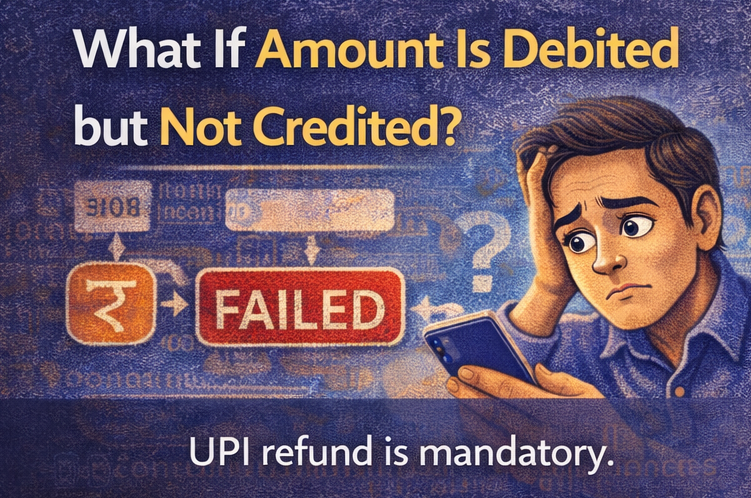
What If My Money Is Debited but Not Received?
This is the most common UPI complaint.
In this case:
- The receiver has NOT received the money
- The transaction is incomplete
- Refund is mandatory under UPI rules
You do not need the receiver’s help.
How Long Does It Take to Get a Refund From UPI?
Typical timelines:
- Most cases: Few minutes to few hours
- Common upper limit: 24 hours
- Rare cases: 2–3 working days
If it crosses 3 working days, you should raise a complaint.
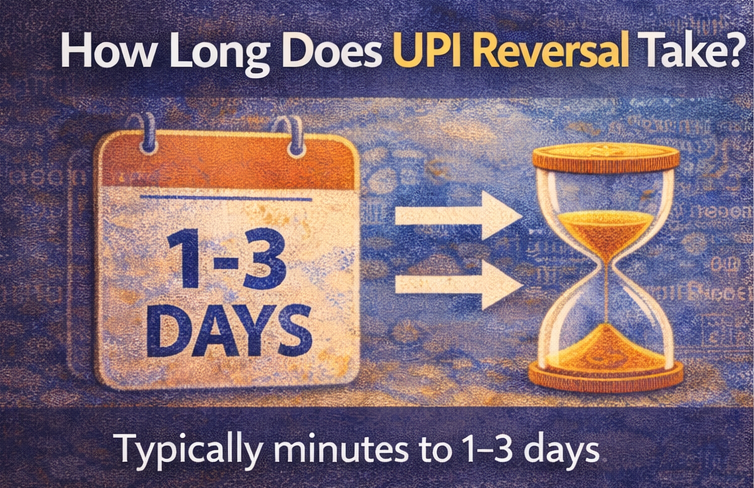
How Long Does UPI Reversal Take?
This depends on:
- Your bank
- Time of day
- Bank server load
- Weekends or holidays
But legally:
👉 UPI reversals must be completed within T+1 day in most cases.
Are UPI Refunds Instant?
Sometimes yes, often no.
UPI refunds are:
- Faster than cards
- Slower than what apps visually suggest
The word “reversed” does not mean “already credited”.
What If a Transaction Is Successful but Not Received?
This is a different scenario.
If UPI shows:
- Status: Successful
- But receiver says money not received
Then:
- Receiver should check their bank statement
- Many times credit reflects late
- If truly missing, complaint is required
A successful transaction can be reversed, but only through complaint.
Can a Successful UPI Transaction Be Refunded?
Yes, but:
- Only via receiver refund
- Or bank-level dispute
- Not instantly or automatically
UPI does not allow users to “undo” a successful payment.
Why Is My Transaction Successful but Beneficiary Has Not Received?
Possible reasons:
- Receiver bank delay
- Credit posted but not reflected
- Receiver checking wrong account
- Temporary ledger mismatch
This usually resolves within a few hours.
What Is the 4 Hour Rule of UPI?
The 4 hour rule of UPI is misunderstood.
It does NOT mean:
- You can cancel a transaction within 4 hours
It refers to:
- Internal reconciliation attempts by banks
- After which reversal or escalation happens
As a user, you cannot trigger it manually.
How Do I Reverse a UPI Transaction?
You cannot reverse it manually.
What you can do:
- Wait for auto-reversal (failed transactions)
- Raise a complaint (successful but wrong transfers)
- Ask receiver to refund
UPI is designed to prevent misuse, so reversals are controlled.

How Do I Complain About UPI Payment Reversal?
If refund does not arrive:
- Go to your UPI app
- Open transaction history
- Select the transaction
- Tap “Raise complaint” or “Help”
If app support fails:
- Contact your bank
- Escalate via NPCI if needed
How Long Does It Take for a Reversal to Go Through?
Most reversals:
- Reflect same day
- Or next working day
Delays happen due to:
- Bank holidays
- Backend reconciliation
What Is *99# Used For?
*99# is USSD-based UPI for feature phones.
It allows:
- Sending money
- Checking balance
- Without internet
Reversal rules are the same as app-based UPI.
Does the 1930 Number Work for UPI Issues?
1930 is primarily for fraud reporting, not normal reversals.
Call 1930 if:
- Money sent to fraudster
- Scam suspected
For normal reversal delays, use bank or app support.
Can UPI Money Be Reversed After Credit?
Only if:
- Receiver refunds
- Or bank intervenes in special cases
UPI prioritizes finality to prevent abuse.
How Long Can a Bank Hold Your Money?
Banks can temporarily hold funds:
- During reconciliation
- During pending or reversal stages
But they cannot keep it indefinitely.
UPI mandates resolution.
Frequently Asked Questions (Google Snippet Friendly)
Why UPI debit reversed but balance still not updated?
Because the refund is initiated but not yet posted to your bank account.
How long does UPI reversal take?
Usually within a few hours to 24 hours.
Are UPI refunds instant?
Not always. Balance updates may take time.
What if amount is debited but not credited in UPI?
Refund is mandatory and usually automatic.
Can a successful UPI transaction be reversed?
Only via complaint or receiver refund.
Related Guides on ExplainThis.tech (Internal Linking)
If you’re facing UPI issues, read these too:
- Why UPI Shows “Transaction Pending” for Hours — Will Money Be Debited?
- UPI Failed but Money Deducted — When Will I Get It Back
- Does UPI Limit Reset at Midnight or After 12 AM?
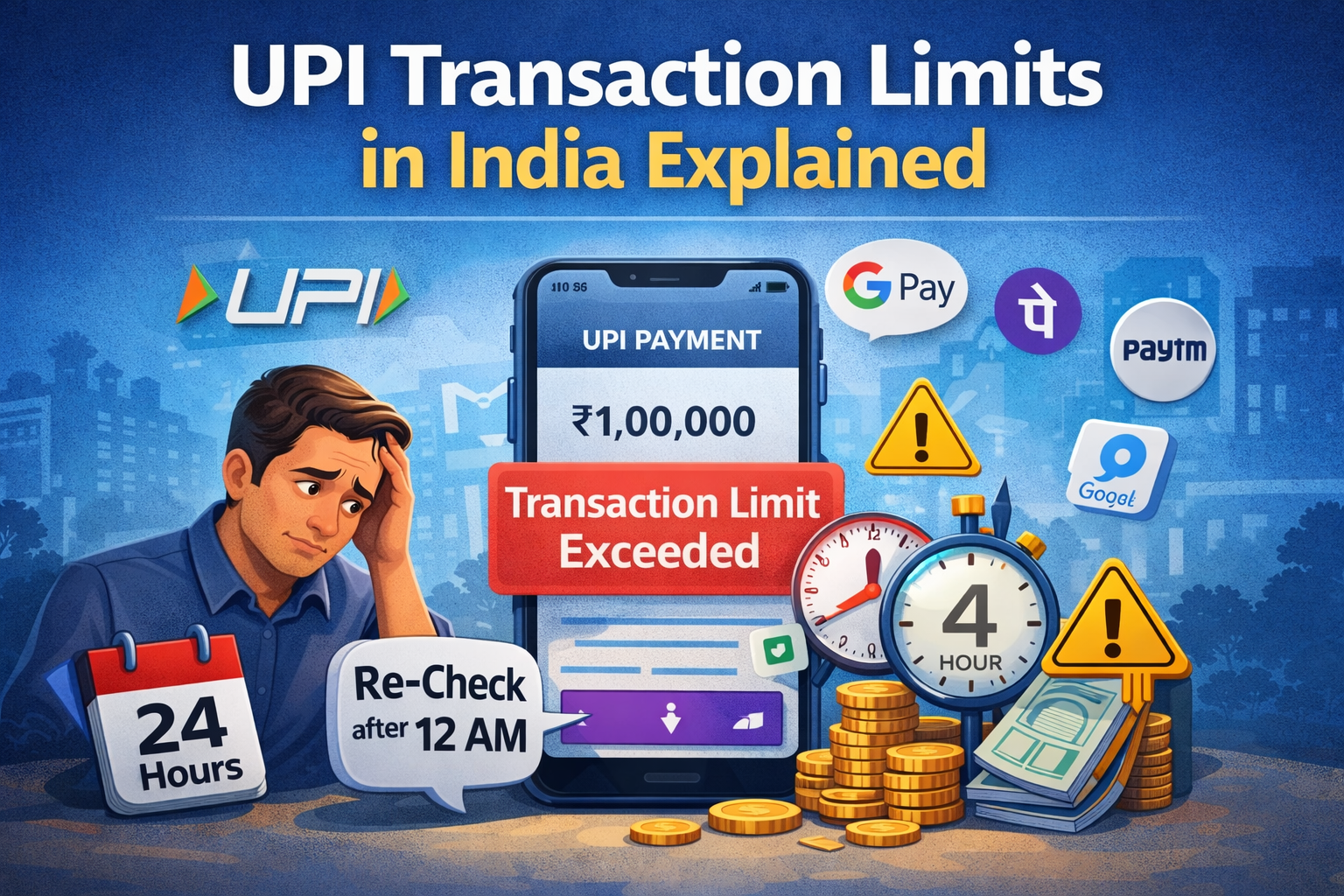
Together, these explain almost every UPI confusion.
Still Confused About a Reversal Delay?
UPI apps show statuses, not explanations.
Coming soon on ExplainThis.tech:
You’ll be able to upload your UPI transaction or bank statement and instantly understand:
- Whether the money is truly reversed
- When balance will update
- Whether you need to raise a complaint
No guessing. No panic. Just clarity.
Final Thought
When UPI debit reversed but balance still not updated, it feels like the system is lying.
It isn’t.
It’s just slower than the notification.
Understanding this saves you stress and prevents duplicate payments — exactly what ExplainThis.tech is built for.